
Unlock Your Presentation Potential: Innovative Ways to Customize PowerPoint Templates for Maximum Impact
You spend hours tweaking your slides, yet your presentation still feels flat. Customizing PowerPoint templates doesn’t have to be a headache or require design skills you don’t have. With smart digital design solutions, you can create impactful presentations that look polished and professional—fast. Let’s explore simple, creative ways to customize PowerPoint templates that will grab attention and save you time. Explore more creative presentation ideas here.
Creative Customization Techniques

Ready to breathe life into your presentations? Let’s start with some creative customization methods that will make your slides pop.
Personalize with Color and Fonts 🎨
Colors and fonts are like the clothes of your presentation. They set the tone and mood. Choosing the right ones can make your slides memorable. Start by picking a color scheme that reflects your brand or message. A simple tweak, like using your brand colors, can make a world of difference.
-
Choose complementary colors: This ensures your slides are easy on the eyes. Websites like Adobe Color can help you find great combinations.
-
Select readable fonts: Stick to 2-3 fonts. Use bold fonts for headings and simple ones for body text. This keeps your presentation neat and professional.
Integrate Multimedia Elements 🎥
Adding multimedia can transform your slides from static to dynamic. Think about including videos, audio clips, or animations. These elements can enhance understanding and retention.
-
Videos: Insert short clips to illustrate complex ideas. This makes your message more engaging.
-
Animations: Use these sparingly to draw attention to key points. Avoid overdoing it to keep things professional.
Designing Impactful Presentations

Now that your slides are visually appealing, let's focus on crafting presentations that leave a lasting impression.
Crafting Compelling Storyboards 📖
A good presentation tells a story. Storyboards help you organize your content into a coherent narrative. Begin by outlining your main points and supporting details. Think of each slide as a scene in your story.
-
Start with a hook: Grab attention with a startling fact or question.
-
Build a narrative: Ensure each slide flows into the next, leading to a powerful conclusion.
Enhancing with Visual Hierarchies 📊
Visual hierarchies guide the viewer's eye to the most important parts of your slide. Use size, color, and placement to establish this hierarchy.
-
Size matters: Larger elements naturally draw attention. Make sure your key points stand out.
-
Contrast for clarity: Use contrasting colors to distinguish between different levels of information. This helps in highlighting what’s important.
Exploring The Digital Media Lab Products
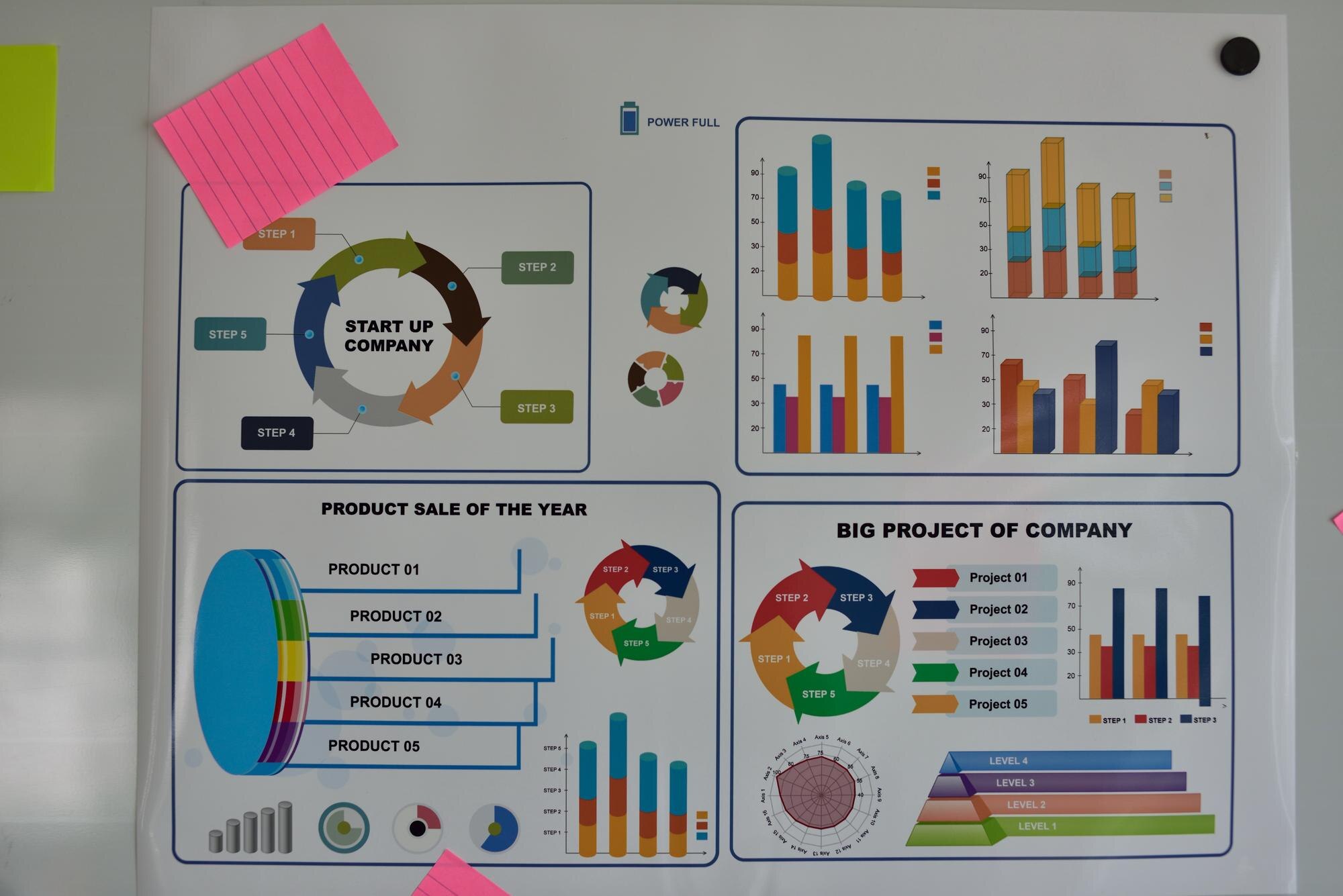
Discover how The Digital Media Lab's offerings can simplify your design process and boost your presentation's impact.
Easy Customization Options 🖌️
The Digital Media Lab offers tools that make customization a breeze. Their templates are designed to be user-friendly, saving you time and effort.
-
Quick edits: Change colors, fonts, and layouts with just a few clicks.
-
No design skills needed: Their intuitive interface means anyone can create professional slides.
Professional-Grade Templates Collection 📚
Dive into a vast library of professional templates that cater to every need. Whether it's a business proposal or an educational lecture, there's a template ready for you.
-
Diverse selection: With over 3,000 templates, you have plenty of options.
-
High-quality designs: Each template is crafted to engage and impress your audience.
In summary, customizing PowerPoint templates doesn't have to be daunting. By personalizing with colors and fonts, integrating multimedia, and utilizing The Digital Media Lab's products, you can create impactful presentations quickly and efficiently. Embrace these techniques and watch your presentations transform into powerful communication tools.